Waterpark Simulator First Park Guide: Build a Route You Can Improve
A source-aware first-session route: open a small park, watch one guest journey, and make the next change for a visible reason.
What this first-park route is for
This is not a promised “best layout,” a price table, or a substitute for the build you have installed. It is an editorial operating method for a first session: create a small route that you can actually watch, identify one visible blocker, then spend the next action on that blocker.
The official Steam description confirms the game combines park construction, guest management, staff, food, cleaning, broken-slide fixes, customization, and an overall rating affected by cleanliness, fun, food, and amenities. It does not prescribe one universal first layout, so this page deliberately stays on the stable decision layer. Check the official Steam page for build-sensitive details.
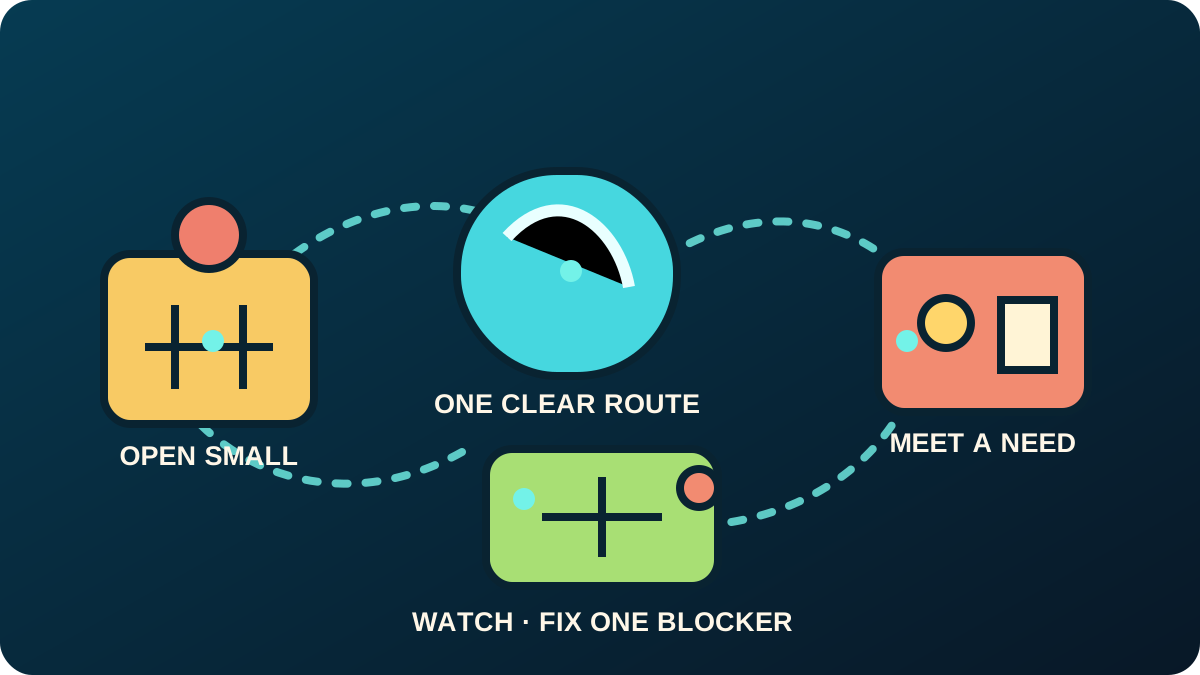
The first goal: one complete, readable guest journey
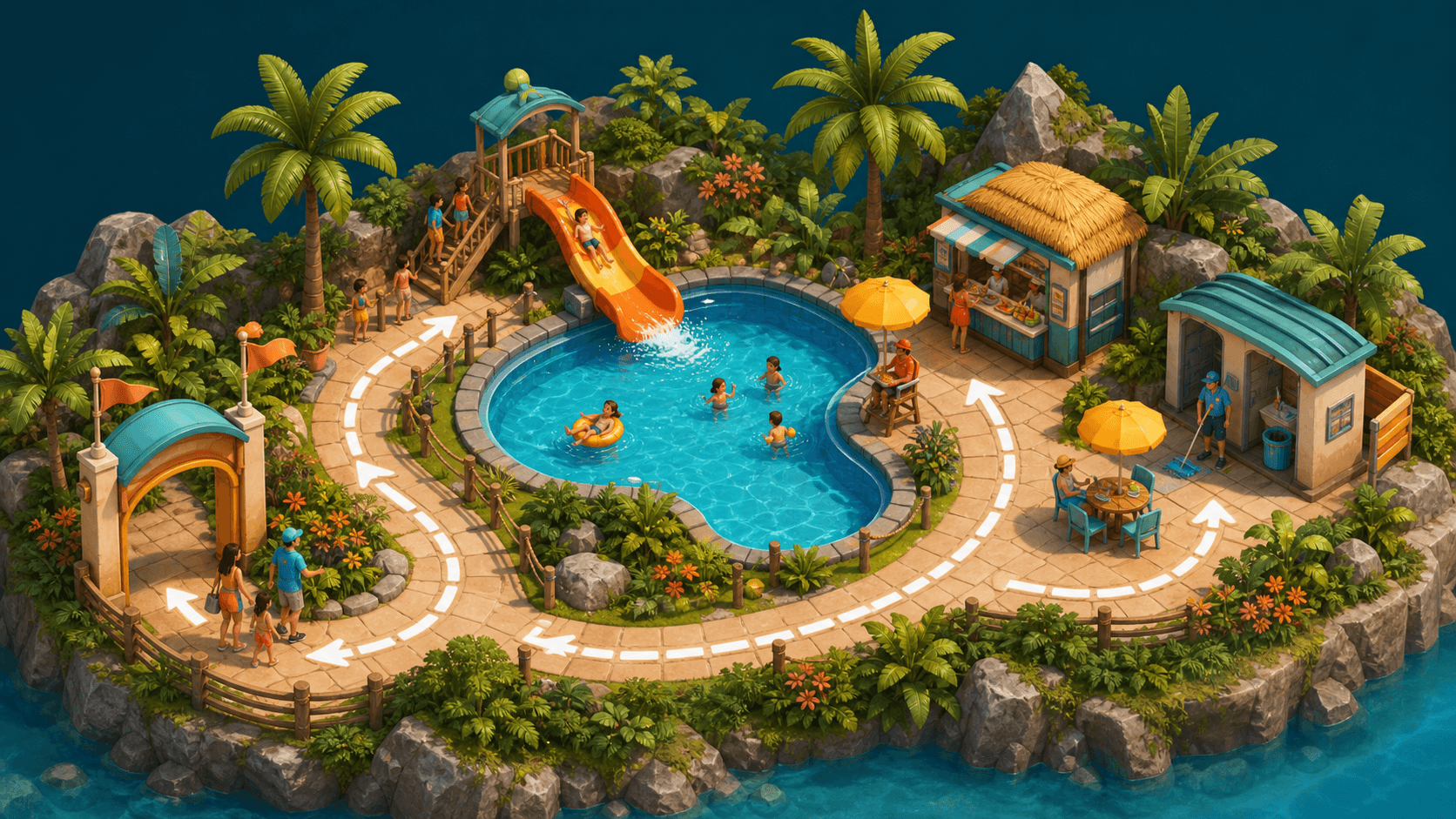
Begin with a compact area rather than trying to decorate the entire map. A useful first journey has a clear way in, something to do, and a nearby response when a guest need becomes visible. The official page explicitly describes tickets, food, cleaning, safety work, staff, slides, pools, and amenities; your first job is to make a small version of that loop understandable.
Use this sequence:
- Open only a manageable zone. Leave expansion for after you can read what the first guests are doing.
- Give that zone one obvious attraction or activity. The purpose is not variety yet; it is creating a route you can observe.
- Place the closest practical support. Think in needs: access, comfort, food, cleanliness, safety, or a broken attraction. Do not assume an exact unlock order from an older guide.
- Watch the route before buying the next attractive object. Ask where guests stop, wait, fail to reach something, or create a problem your current park cannot answer.
- Make one change for one stated reason. Then watch the same route again.
Diagnose before you expand
When a park feels stuck, avoid treating every symptom as “not enough stuff.” Name the problem first.
| What you can see | Question to ask | First response |
|---|---|---|
| Guests bunch up near one point | Can they reach the next useful place? | Simplify the route before adding another distant attraction. |
| A useful area looks neglected | Is the need operational rather than decorative? | Check cleaning, maintenance, safety, or nearby amenities. |
| The park has attractions but little direction | Can you describe one guest journey from entrance to activity to support? | Build the missing link in that journey, not a separate showcase. |
| You are tempted to buy everything | What visible blocker will this purchase remove? | Keep the cash and observe first if you cannot answer. |
This is a player-facing advantage over a generic list of tips: every improvement must earn its place by resolving a visible reason to change the park.
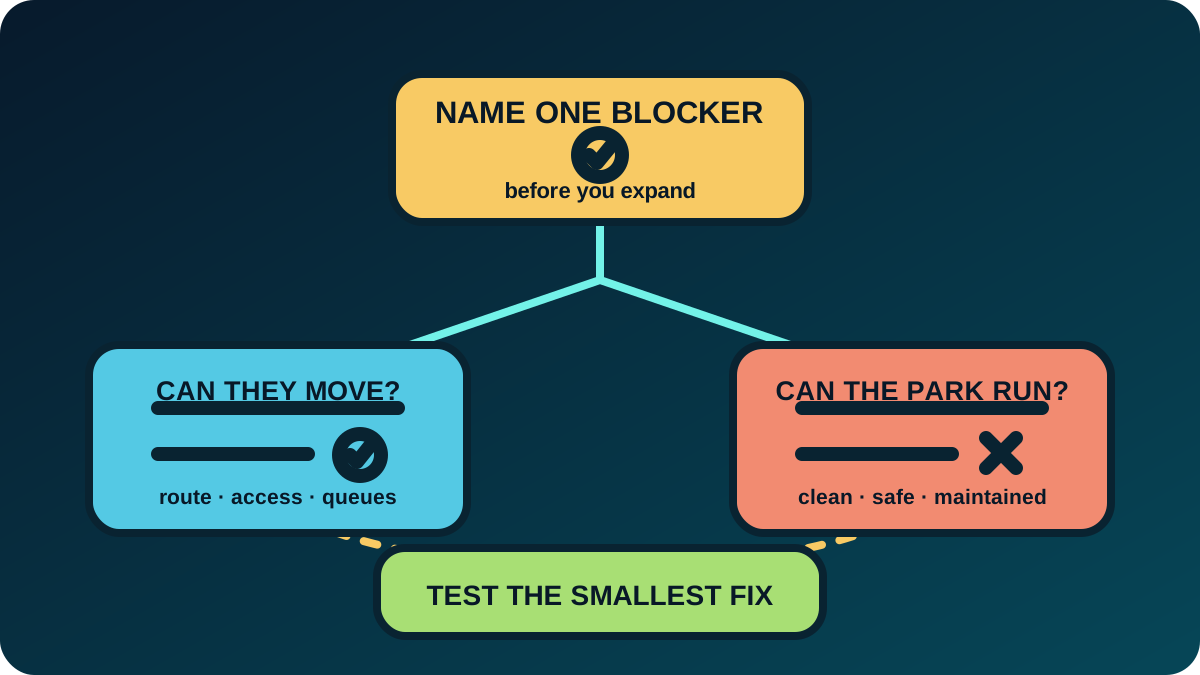
A short observation note that prevents random spending
After opening your first area, record four small facts:
- Signal: what did you see?
- Location: where in the route did it happen?
- Likely need: access, cleanliness, comfort, safety, food, maintenance, or activity?
- Next change: the smallest action that tests your diagnosis.
For example, “guests gather at the entrance” is a signal, not a conclusion. Do not jump straight to an expensive addition. First check whether the next useful destination is clear and reachable. If the route is clear but the area is visibly dirty or an attraction needs attention, then the job is operational instead.
What the official description supports—and what it does not
The official product page supports the broad loop of building, running, cleaning, fixing, staffing, feeding, and improving a park. It also says guest happiness, cleanliness, fun, food, and amenities affect the overall rating.
It does not make this page a reliable source for exact costs, research requirements, staff limits, controller mappings, or version-specific optimal layouts. Those facts can change. Treat any old numerical guide as a lead to verify, not a number to copy into your own park.
Before you call the first area “stable"
Your first area has earned expansion when you can answer all three questions:
- What is the main guest journey here?
- What is the next visible problem you would fix?
- Why would the next addition improve that journey rather than merely fill space?
If you can answer those questions, expand for a named purpose. If not, keep the zone small and observe another cycle.
What to check after an update
Updates can change interactions that affect your layout or routine. The official 1.0.75 announcement, published August 28, 2026, mentions grid and snapping changes, supplies persistence, notification filtering, custom-slide fire loops, and fixes to several issues. If you return after a patch, read the current Updates guide before trusting an old workflow.