Waterpark Simulator Updates: What to Recheck After Version 1.0.75
A dated update brief for Waterpark Simulator 1.0.75, plus a practical checklist for deciding which saved park routines need another look.
Snapshot: what this page currently covers
This page is a dated reading of the official Steam announcement “Your own logo and labels,” Version 1.0.75, posted August 28, 2026. It is not a promise that no newer patch exists. Before changing a saved park or following a version-sensitive guide, compare the date here with the official Steam news hub.
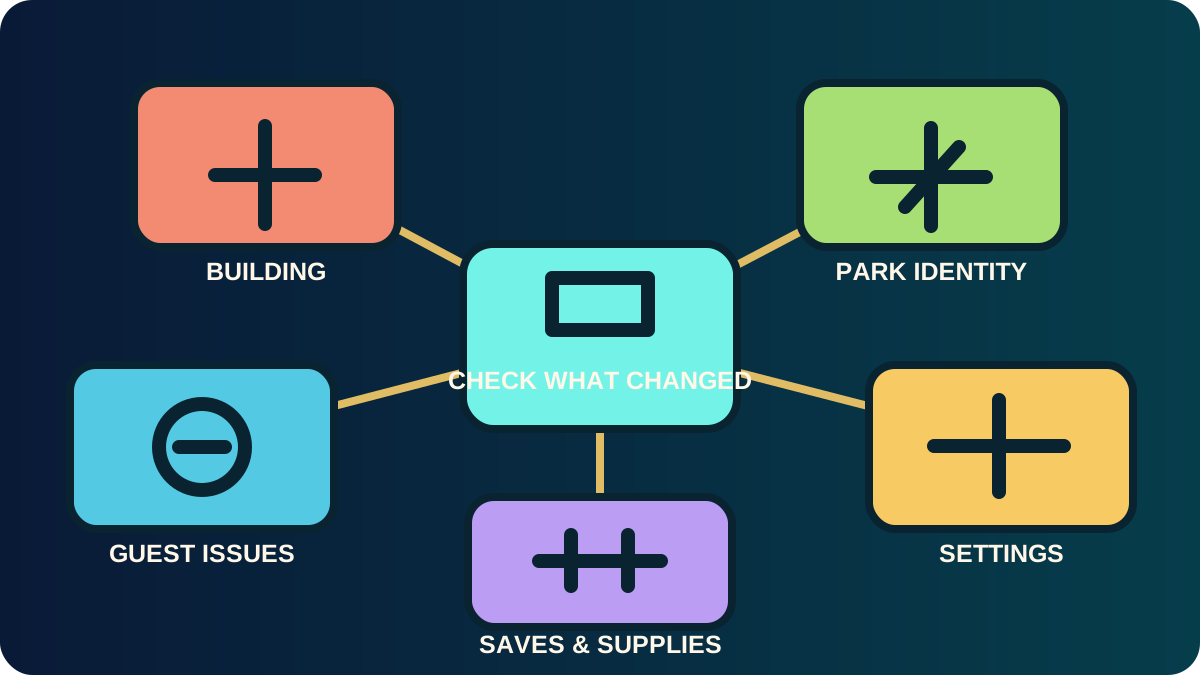
The practical changes in 1.0.75
According to the official announcement, Version 1.0.75 adds or changes the following:
| Area | Officially announced change | What a returning player should recheck |
|---|---|---|
| Park identity | Park logo changes through the in-game tablet; the announcement labels this single-player only. Flyers and posters can show the new logo. | If you use signage or park branding as wayfinding, check your tablet workflow before rebuilding the area. |
| Decoration and zoning | New arches and signs can display messages. | Revisit places where a player or guest route was hard to read; use them as clarity tools, not decoration first. |
| Building | Grid and snapping were reworked to align better with the floor. | Test one small placement before redesigning a large section around an old alignment assumption. |
| Persistence | Items dropped on the floor, shop supplies, and chlorine are described as no longer despawning after quitting and reloading. | Load a saved park and verify your own routine before relying on the change in a long session. |
| Settings and attractions | Notification filtering is available in settings; custom slides gain a fire loop. | Recheck your notification noise and any custom-slide plan before calling an old guide current. |
| Fixes | The announcement lists fixes including some guest “air swim” behavior, a Pirate diving board reachability issue, held-trash position, and an achievement trigger. | Re-test only the affected problem you previously encountered; do not infer that unrelated issues are fixed. |
A five-minute return checklist
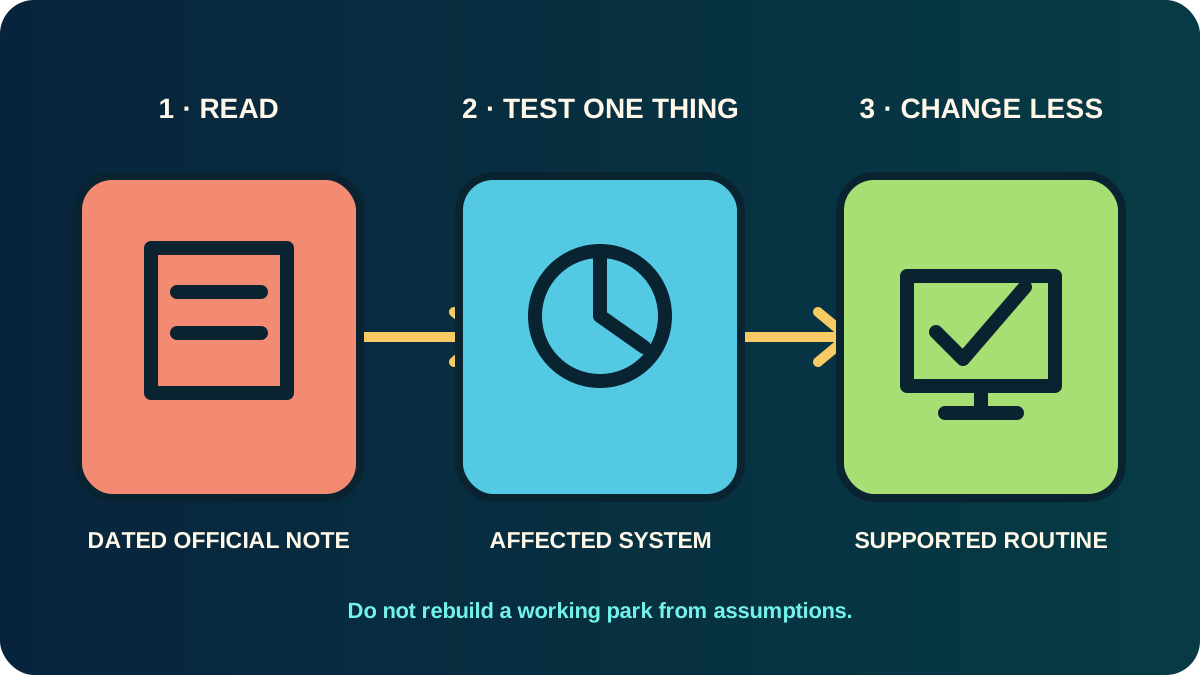
When you come back after an update, do not rebuild blindly. Run a short check in this order:
- Read the official note and date. Identify which systems it actually names.
- Load one saved area. Inspect the one route most likely to be affected—placement, supplies, a custom slide, a sign, or a guest issue.
- Test one behavior once. For example, place one item with the grid, or reload after checking your supplies.
- Separate a confirmed change from a hope. A listed patch note is evidence; an assumption about every related mechanic is not.
- Only then revise your park routine. Update the smallest part of your plan that the official note actually supports.
What this update does not let us claim
The 1.0.75 announcement does not give universal prices, all platform parity details, every controller binding, a research order, or a complete list of unresolved issues. It also says the developers may make small urgent updates before they publish a larger note. That is why a version number alone is not enough: use the current official announcement when a detail matters to your next decision.
How the update changes the first-park route
For a new player, the most relevant part is not “use every new feature.” It is the chance to reduce uncertainty:
- Better grid alignment means you should test small building changes before committing to a large layout.
- Persistence changes mean you should recheck your save-and-reload routine instead of relying on an old warning.
- Notification filtering can make it easier to notice the signal you are actually trying to diagnose.
- New signs and arches can make a compact route more legible once the operating path itself works.
Return to the First Park guide when your question is “what should I improve next?” Return here when your question is “could the patch have changed the evidence behind my old answer?”
Evidence boundary
This guide is intentionally limited to the official Version 1.0.75 announcement and the official product page. It does not copy community screenshots, invent a patch history, or turn a single note into a promise about every platform or save. If a newer official note changes these details, this page should be updated with the new source and date before it is treated as current.