Waterpark Simulator Build Guide: Design One Route That Can Operate
Plan pools, slides, facilities and circulation as one usable journey, then test each addition before expanding.
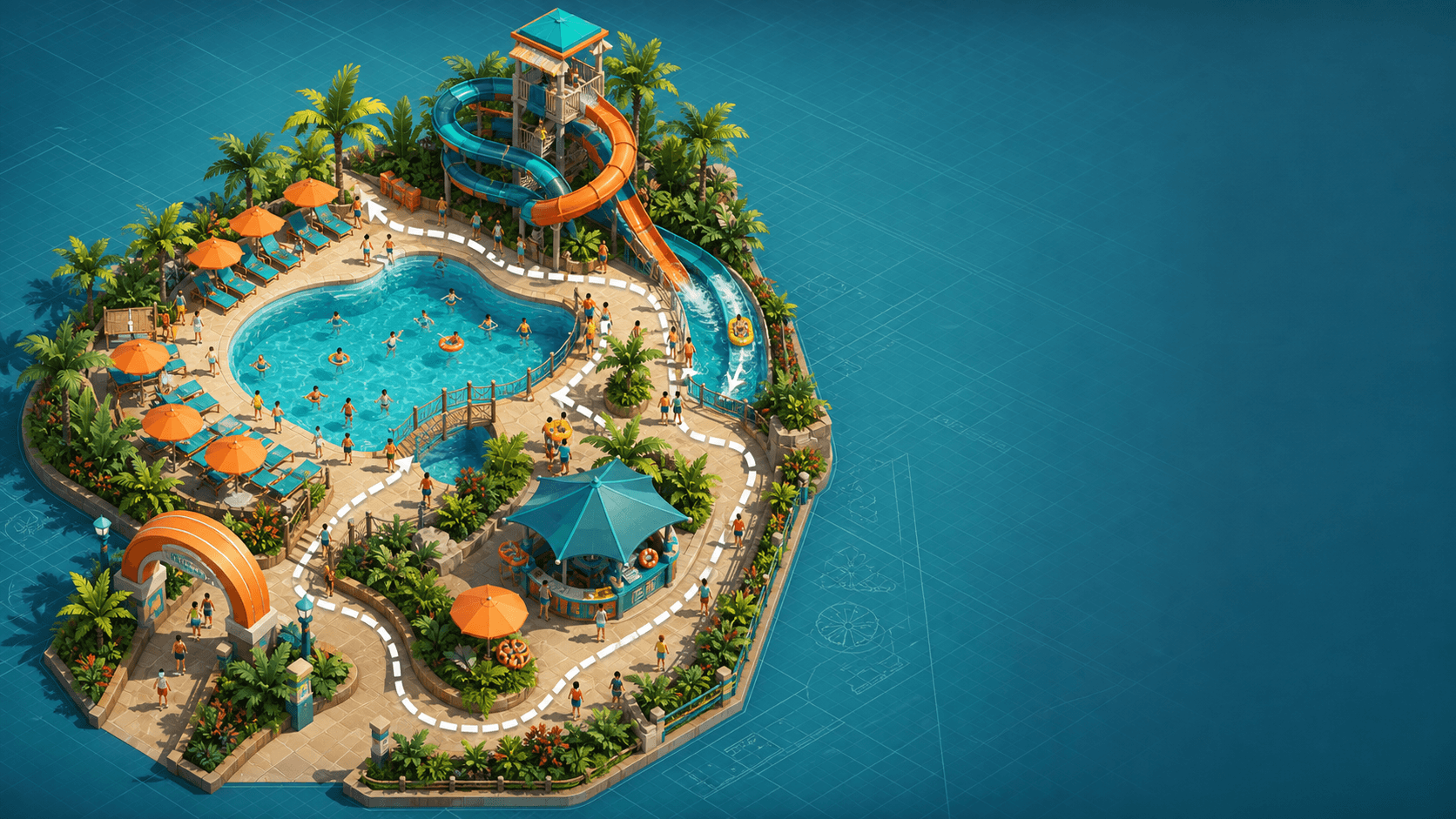
Build a route before you build a collection
This is a route-planning guide, not an unlock database or a claim that one layout is best for every save. Exact dimensions, costs, capacities, queue formulae, unlock order and placement distances need current, named evidence. What remains useful across builds is the question: what journey will this object complete?
Name one usable journey
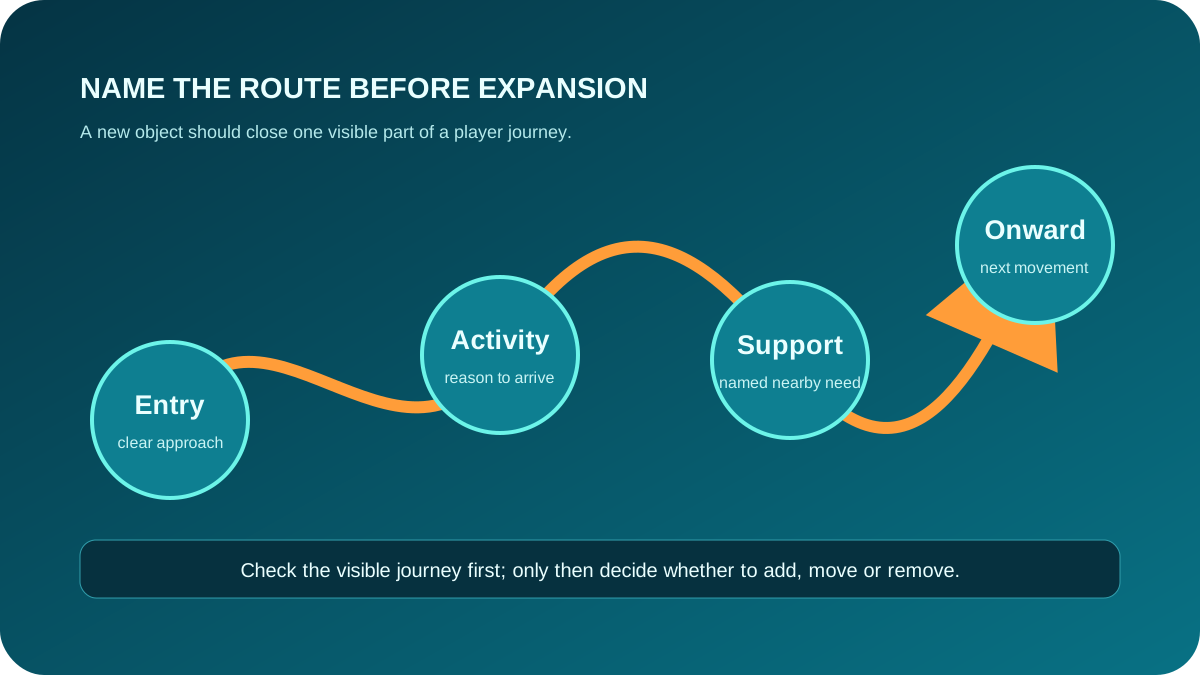
Sketch a simple chain before placing the next object:
- Where does the visitor approach from?
- What is the activity or destination?
- What support need belongs nearby?
- Where does the journey continue or return?
Pools and slides can be route anchors, but they are not a route on their own. A new object earns its place only when it closes a missing part of this journey rather than creating a confusing detour.
Place facilities for a named need
Before adding support space, say which need it serves and where that need occurs. This keeps facilities from becoming empty decoration and makes the resulting change observable. Keep main movement and operating work legible enough that you can tell what changed after a test.
Check circulation before the next addition
Ask four practical questions:
- Is the approach to the activity obvious?
- Can the route continue after the activity?
- Did the addition create a conflicting crossing or a hidden work area?
- Can you compare this version with the previous route after running the park?
Add one change, then observe it
Make one addition, observe the route, then decide whether it improved the journey. Adding several attractions, support points and decorations at once may look productive, but it removes the ability to identify which change caused the next blocker.
If a new bottleneck appears, move to Troubleshooting instead of buying around it. If you are still learning the first session rhythm, follow First Park. Check Updates before relying on build-sensitive details.
Expansion readiness
Expand when the current journey is understandable: visitors can reach the activity, support needs have a visible place, and you can name the signal that would tell you the next addition worked. That is a stronger reason to grow than simply having room for another object.
Next action
Draw one entry → activity → support → onward journey for the area you are changing. Add only the piece that closes its clearest gap, then observe that route.