Waterpark Simulator Controls: Verified Settings and Unknown Mappings
A source-status reference that separates a dated verified setting from control mappings that still need current evidence.

Evidence status first
This is a source-status reference, not a completed keybind list. The current evidence set supports one dated settings fact: Version 1.0.75 introduced notification filtering in settings. It does not establish current movement, camera, interact, build, rotate, delete, menu, controller or accessibility mappings.
| Lookup | Current status | What you can safely do |
|---|---|---|
| Notification filtering | Verified in dated Version 1.0.75 update material | Check the current in-game settings screen and the dated official update note |
| Core keyboard / controller mappings | Unknown in current evidence | Do not rely on conventional PC-game defaults; check the current in-game controls screen |
| Join or invite controls | Unknown in current evidence | Use the Multiplayer evidence status before promising a co-op sequence |
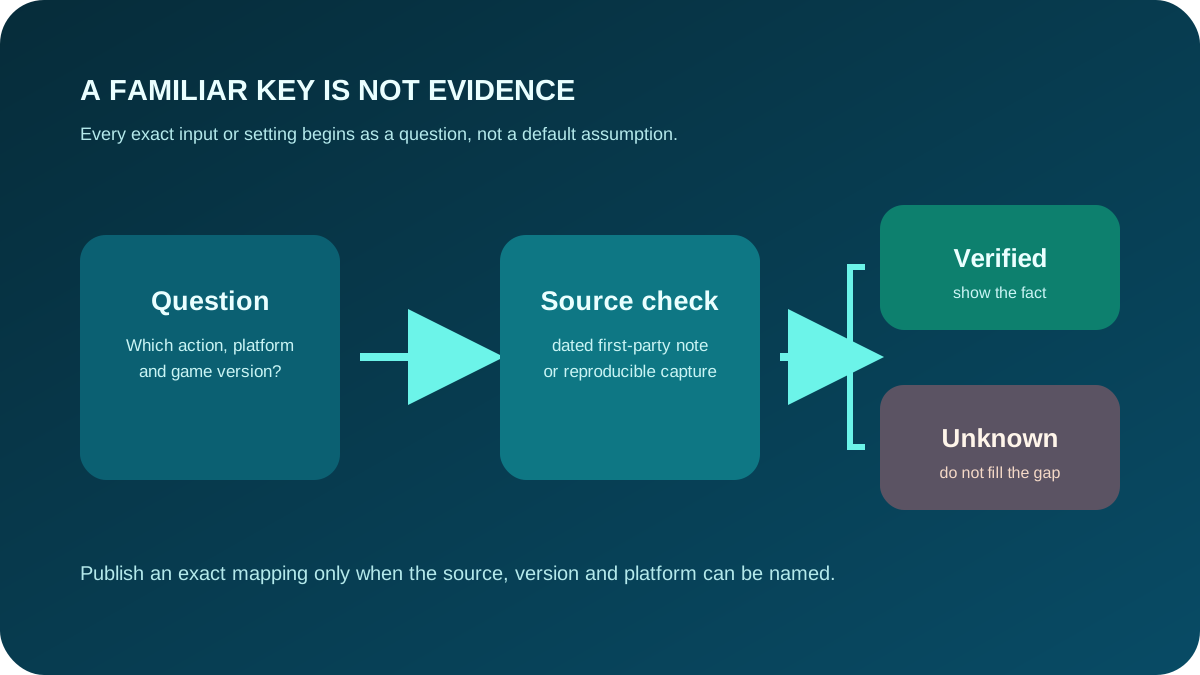
When an unknown can become verified
An exact mapping becomes publishable only with a dated first-party document or a reproducible current-build capture that records the game version and platform. A familiar key is not evidence.
If the control works but your park still behaves unexpectedly, use Troubleshooting. If the verified action relates to a new route or facility, continue with Build. Check Updates before trusting build-sensitive settings.
Next action
Open the current controls/settings screen in your own build. Record only the action, shown mapping, platform and game version you can actually see.